Processing the Jellyfish Nebula (IC 443) with PixInsight and an AI Agent
25 Oct 2026By Akshay Kumar
From the Observatory to PixInsight
In Part 1, I built an MCP bridge that lets Claude run my capture software, NINA, during supervised sessions, and sketched an orchestrator for unattended nights on Hermes, the open-source agent framework from Nous Research. This time, I wanted to see what an agent could do once the telescope had finished collecting data.
Processing is where I tend to lose patience. I like seeing an image take shape, but not spending hours on stubborn halos, noise and masks that never quite work. I'm also not particularly good at subtle colour adjustments. My earlier edit of the Jellyfish Nebula still had problems I'd simply stopped trying to fix.
So I gave the agent 31.8 hours of IC 443 data, shot in Hα, OIII, SII and RGB under Bortle 8 skies in Bhagalpur, India. The stars were distorted near the corners, and the RGB frames had no matching darks or flats. There was plenty to work with, and plenty to fix.
I connected Claude Opus 5.5 to PixInsight. In three hours and 15 minutes, we produced SHO Gold and Foraxx versions. I made 15 technical and creative decisions; the agent logged 651 tool calls, including previews and checks as well as processing commands. It's not a like-for-like speed test against my manual edit, but it shows how much work happened between my interventions.
This was conventional image processing on real telescope data, not AI image generation. Claude ran PixInsight processes, wrote scripts, checked results and occasionally undid its own work. I decided what to keep.
| Measure | By Hand, Earlier | Agent Session |
|---|---|---|
| Time at the desk | 4 sittings (~12 to 16 hours total) | One afternoon (3 hours 15 minutes) |
| PixInsight compute time | Not tracked | About 55 minutes |
| Hands on the controls | Mine, for every step | 651 recorded calls (checks, runs, previews) |
| My role | Full execution | 15 technical & creative decisions |
- Time at the desk
- 4 sittings (~12 to 16 hours total)
- PixInsight compute time
- Not tracked
- Hands on the controls
- Mine, for every step
- My role
- Full execution
- Time at the desk
- One afternoon (3 hours 15 minutes)
- PixInsight compute time
- About 55 minutes
- Hands on the controls
- 651 recorded calls (checks, runs, previews)
- My role
- 15 technical & creative decisions
Comparison of my manual processing attempt versus the agent-driven session.
The Jellyfish Nebula: What We're Looking At
IC 443 lies in Gemini, near η Geminorum (Propus). It's a supernova remnant, not a star-forming cloud. The curling filaments are gas disturbed and heated by an explosion thousands of years ago, now interacting with material around it.
Research reported by NASA in 2026 suggests IC 443 and the fainter remnant G189.6+3.3 may be the remains of two massive stars that once orbited each other. The study estimates IC 443 to be roughly 6,000 light-years away and 8,000 to 9,000 years old, though those figures are still subject to research.
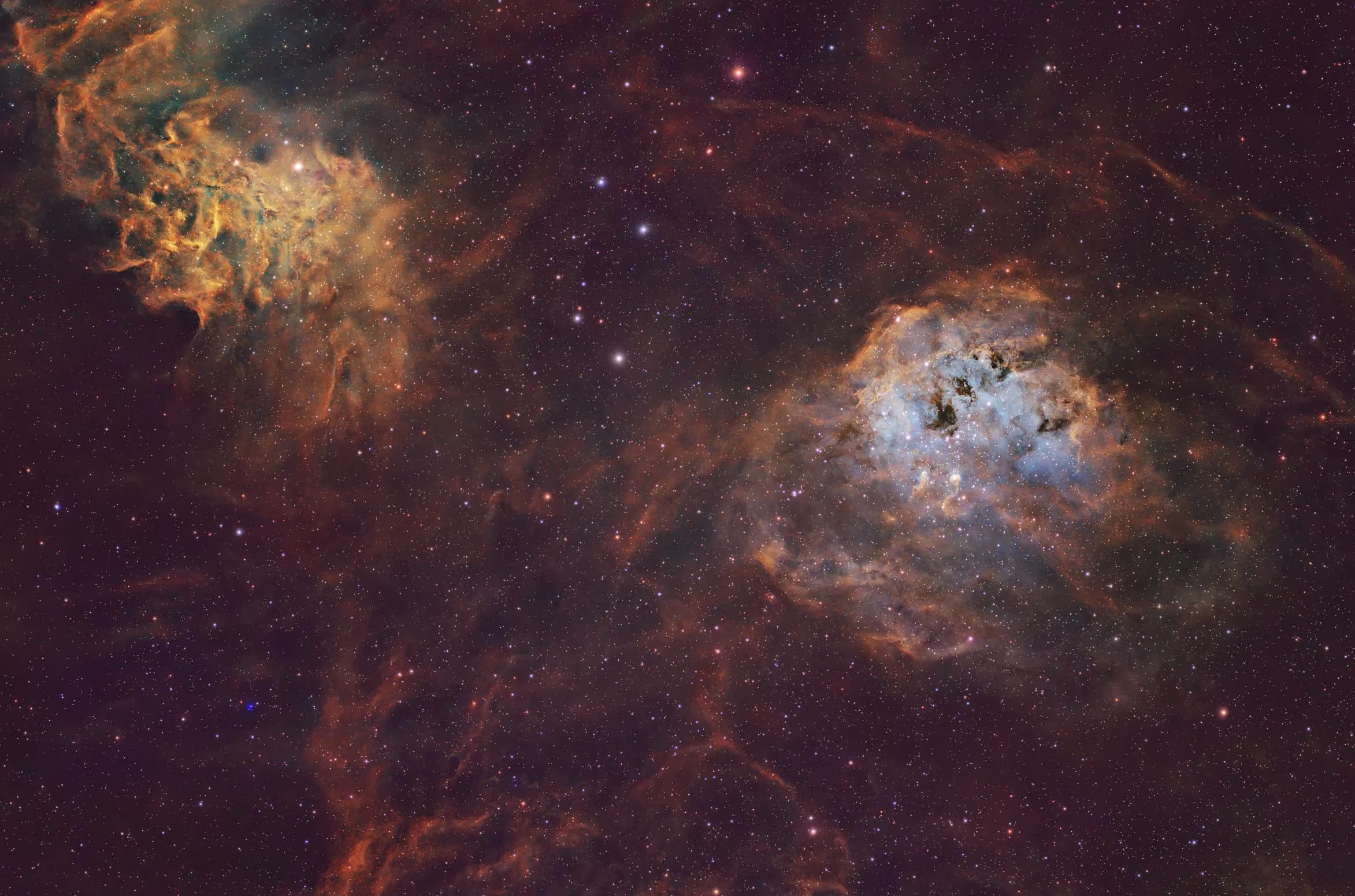
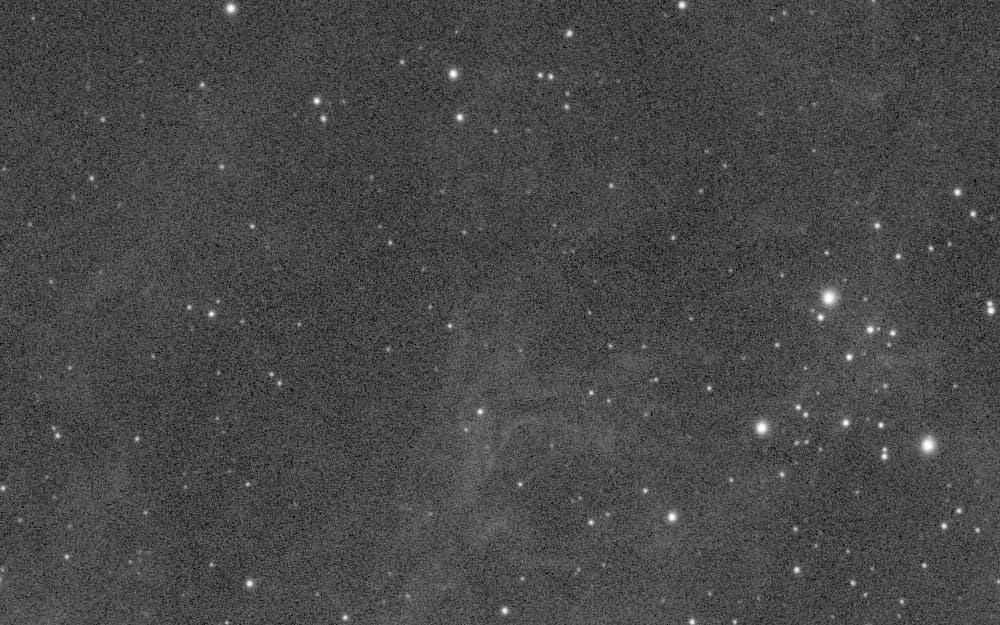
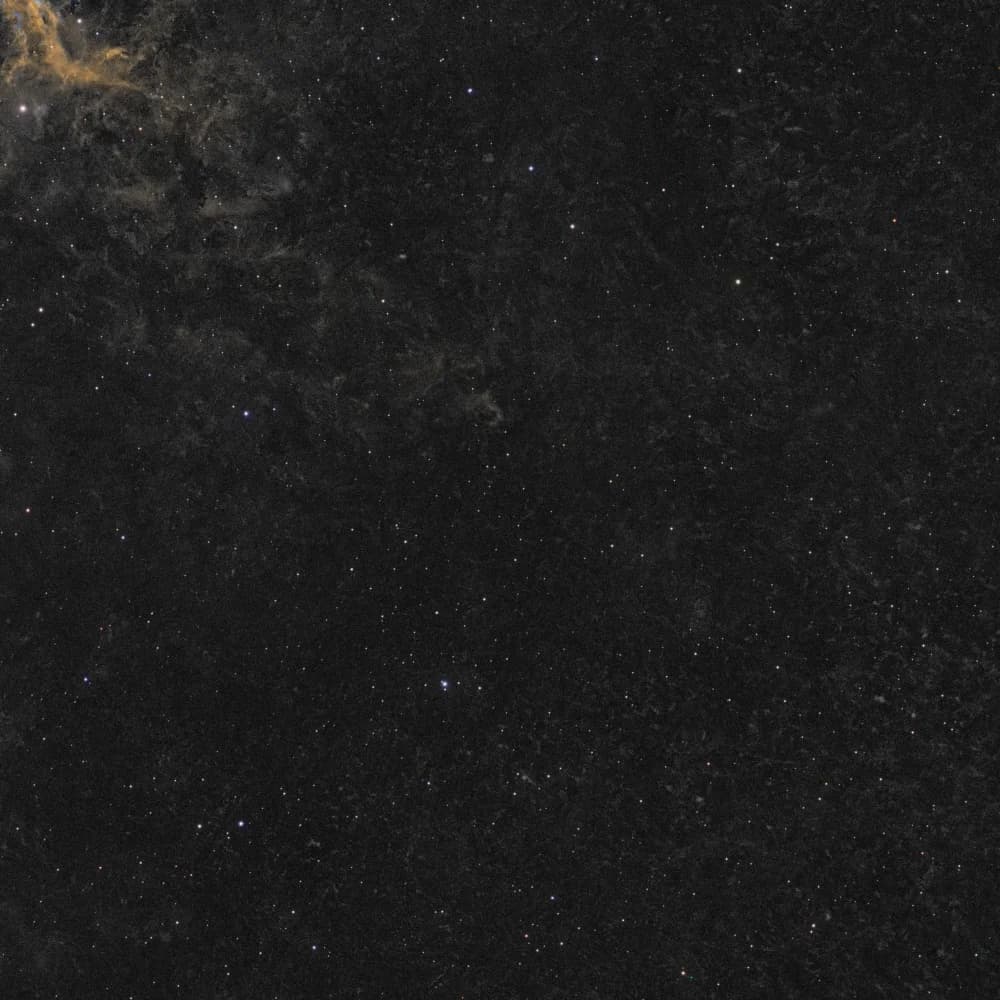
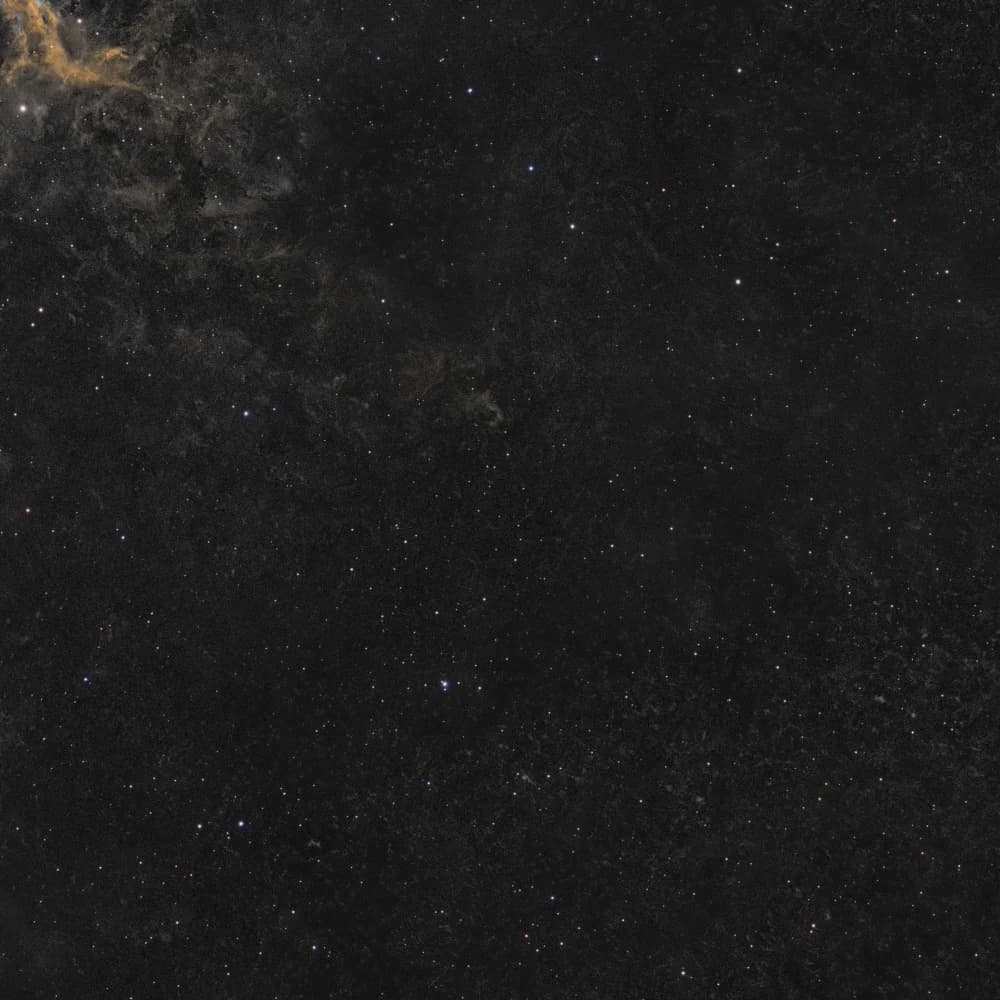
The plate-solve overlay identifies IC 444, 12 Geminorum and Sh2-249 in the wider field. Propus is impossible to miss, and its large halo caused trouble later in processing.
Why I Used Hα, OIII and SII
Under Bortle 8 skies, I used 3 nm narrowband filters to isolate three emission lines:
- Hydrogen-alpha (Hα) shows much of the remnant's broad, filamentary structure.
- Sulfur II (SII) adds detail in parts of the shell where sulfur is emitting light from shocked gas.
- Oxygen III (OIII) picks out different regions, including fainter features around the shell that are easy to lose in a combined image.
Each channel reveals something different. The gold and cyan in the finished images are chosen colour mappings, not colours the eye would see at the telescope.
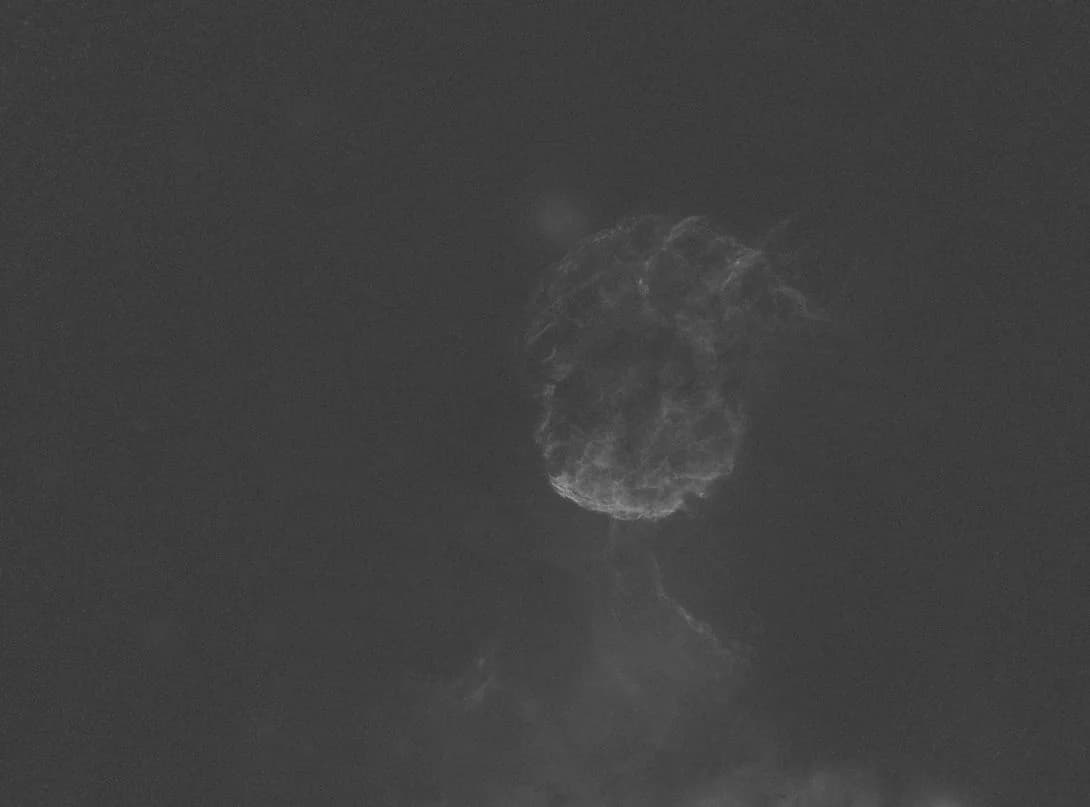
The starless views help reveal the filaments and dark lanes without the distracting star field.
How Claude Worked with PixInsight
Claude Opus 5.5 handled both planning and execution: choosing steps, running tools, writing PixInsight JavaScript Runtime (PJSR) scripts, and examining statistics and previews. I could interrupt or redirect it whenever I wanted.
The open-source pixinsight-connector uses the Model Context Protocol (MCP) to connect Claude to PixInsight. A watcher executes requests and returns statistics and previews. I could describe a problem in ordinary language and have the agent try a fix in the actual software.
It wasn't hands-off. The agent could measure changes and show me options, but I still needed to judge whether a change actually improved the image.
Starting with Imperfect Data
I collected the data between January 25 and February 6, 2026, using a William Optics 71GT APO with a 0.8× reducer, ZWO ASI2600MM Pro, Optolong filters and an iOptron CEM40. The 31.8 hours included 8.1 hours of Hα, 10.9 hours of OIII, 11.8 hours of SII, and 20 minutes in each RGB channel for star colour.
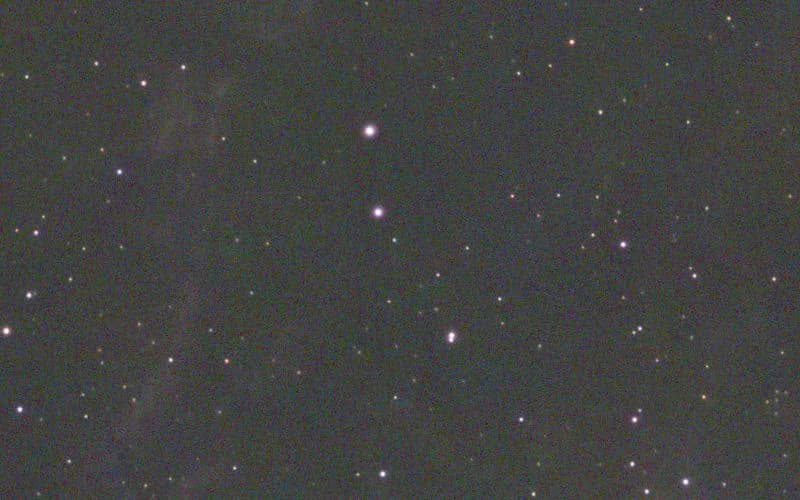
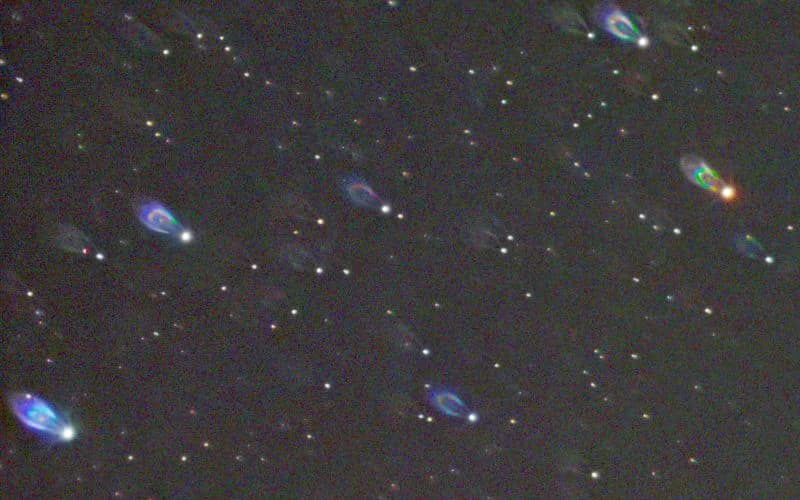
The uncalibrated RGB frames showed dust rings, while the corner stars had comet-shaped tails, consistent with incorrect backfocus spacing and possible sensor tilt. Those optical defects would limit the final framing.
Checking the Linear Data
The agent checked the masters' alignment against Hα, with all channels within 0.83 pixel of the reference, then used SpectrophotometricFluxCalibration (SPFC) to establish comparable flux scales.
MultiscaleGradientCorrection (MGC) improved the RGB and Hα backgrounds, but on SII the median absolute deviation (MAD) rose by 12.5%, a warning that this correction was making the result worse.
Claude checked the result and rolled it back, leaving SII in its earlier linear state.
| Gate | Measured | Limit | Result |
|---|---|---|---|
| Alignment against Hα (R, G, B, OIII, SII) | 0.51, 0.57, 0.83, 0.33, 0.25 px | < 1.0 px | pass |
| MGC Gradient Removal on RGB | Median within 0.03%, MAD down 40-46% | MAD reduction | pass |
| MGC Gradient Removal on Hα/OIII | Median within 0.08%, MAD down 1-2% | MAD reduction | pass |
| MGC Gradient Removal on SII | Median +0.37%, MAD +12.5% | No noise spike | failReverted via history |
| Sky Levelling (R/B relative to G) | 0.0000023% | < 0.5% | pass |
- Alignment against Hα (R, G, B, OIII, SII)pass
- Measured
- 0.51, 0.57, 0.83, 0.33, 0.25 px
- Limit
- < 1.0 px
- MGC Gradient Removal on RGBpass
- Measured
- Median within 0.03%, MAD down 40-46%
- Limit
- MAD reduction
- MGC Gradient Removal on Hα/OIIIpass
- Measured
- Median within 0.08%, MAD down 1-2%
- Limit
- MAD reduction
- MGC Gradient Removal on SIIfail
- Measured
- Median +0.37%, MAD +12.5%
- Limit
- No noise spike
Reverted via history
- Sky Levelling (R/B relative to G)pass
- Measured
- 0.0000023%
- Limit
- < 0.5%
- #6714:52:55ok
get_image_stats (SII before MGC)
median 0.0016665, MAD 3.810e-5
- #6814:53:18ok
run_mgc (SII, filter SII, 2 MARS files)
median 0.001667 → 0.001673
- #6914:53:23rejected
get_image_stats (SII after MGC)
MAD 4.286e-5, up 12.5%: gate failed
- #7014:53:37undone
run_pjsr (undo MGC on SII from history)
history 5 → 4; median 0.0016665 and MAD 3.810e-5 restored exactly
It was a useful lesson: a processing step can run correctly and still make the image worse.
Building Luminance from Three Narrowband Channels
I had no dedicated luminance frames, so I asked Claude: "Can we take HSO all for luminance?" We tried a synthetic HOS luminance layer using all three narrowband channels.
The idea was to combine the detail across all three channels into a brightness layer. The challenge was choosing weights that wouldn't pull too much noise into it.
Claude used SPFC factors to bring OIII and SII onto the Hα flux scale and then weighted the three channels by their measured background noise. The resulting blend was 7.7% Hα, 28.0% OIII and 64.3% SII.
// Scale OIII and SII to match Hα flux scales via SPFC factors
kO = 0.02446 / 0.04127      // 0.593
kS = 0.02446 / 0.03264      // 0.749
O1 = (OIII - med(OIII)) * kO + med(Ha)
S1 = (SII - med(SII)) * kS + med(Ha)

// Inverse-variance combination weights derived from noise metrics
// Measured noise floor: Ha 1.04e-4, O1 5.45e-5, S1 3.60e-5
L = 0.077*Ha + 0.280*O1 + 0.643*S1
64.3% SII sounds surprisingly high, but the weight reflects measured noise after scaling, not sulfur abundance. SII had the lowest background noise in this dataset.
The 1:1 comparison showed less background noise without losing the fine filaments. Following the experiment also helped me understand why the blends looked different.
Keeping RGB for the Stars
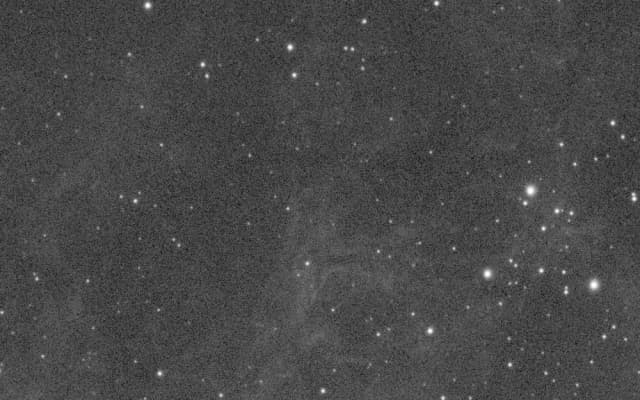
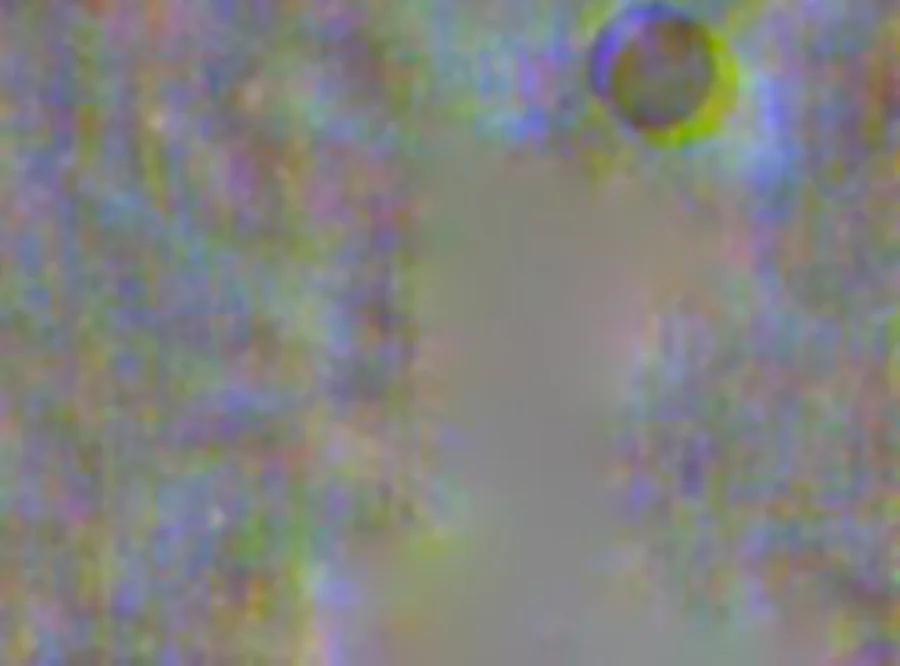
Stretching the faint RGB nebula signal brought out magenta and olive blotches, compounded by the missing calibration frames.
I kept RGB for star colour and used narrowband data alone for the nebula.
Finding the Colour Palette
I wanted vivid colour without losing the contrast between IC 443's bright filaments and darker interior.
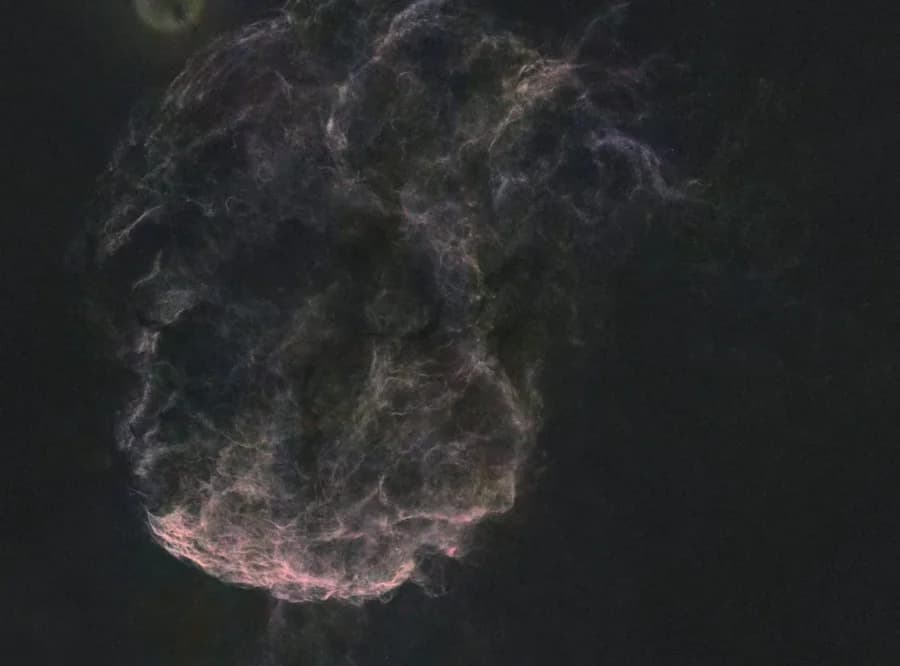
I had uploaded my previous manual attempt as a visual baseline: a warm gold shell offset by cyan oxygen accents.
We also checked aggressive stretches of the starless masters for hidden gradients.
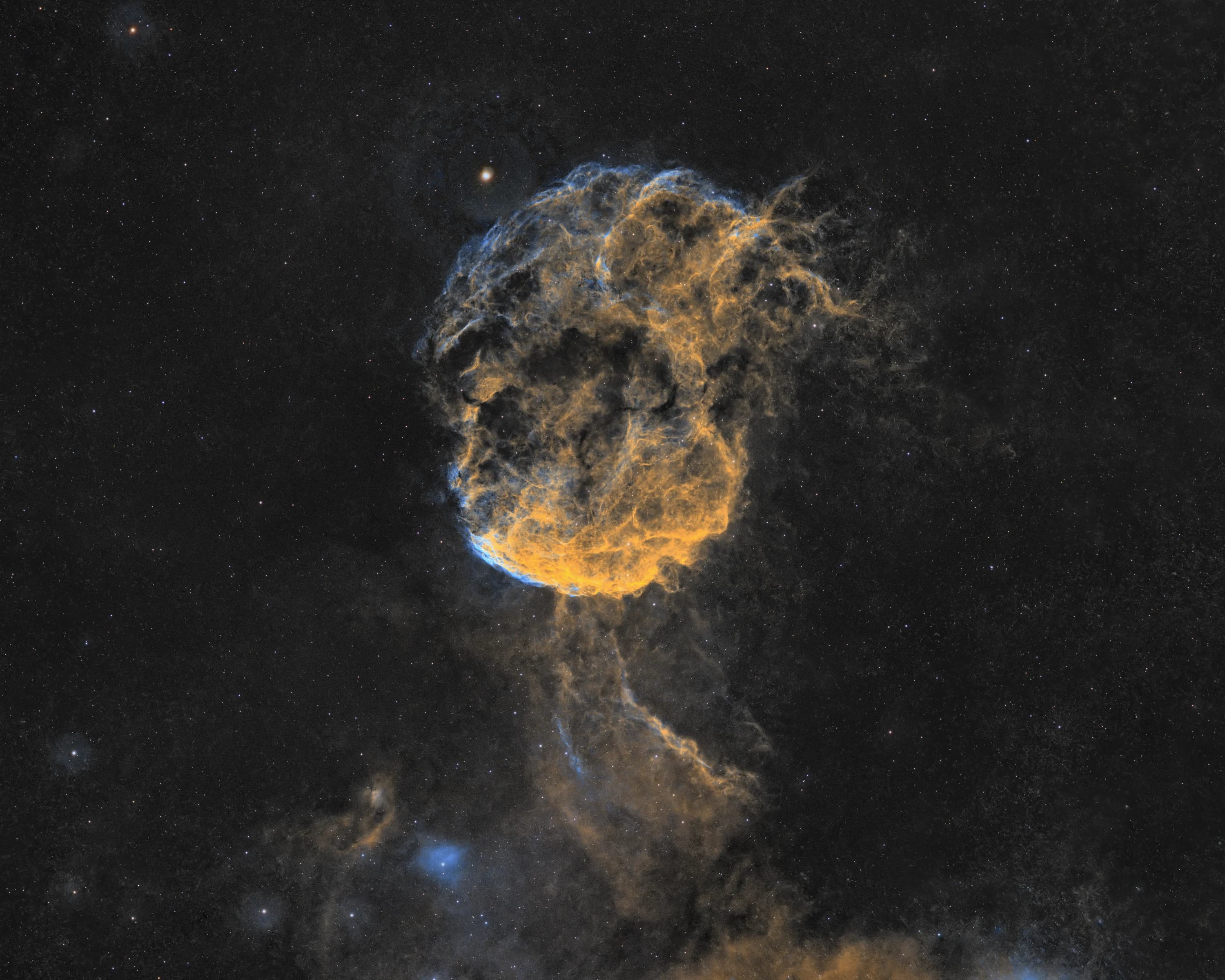
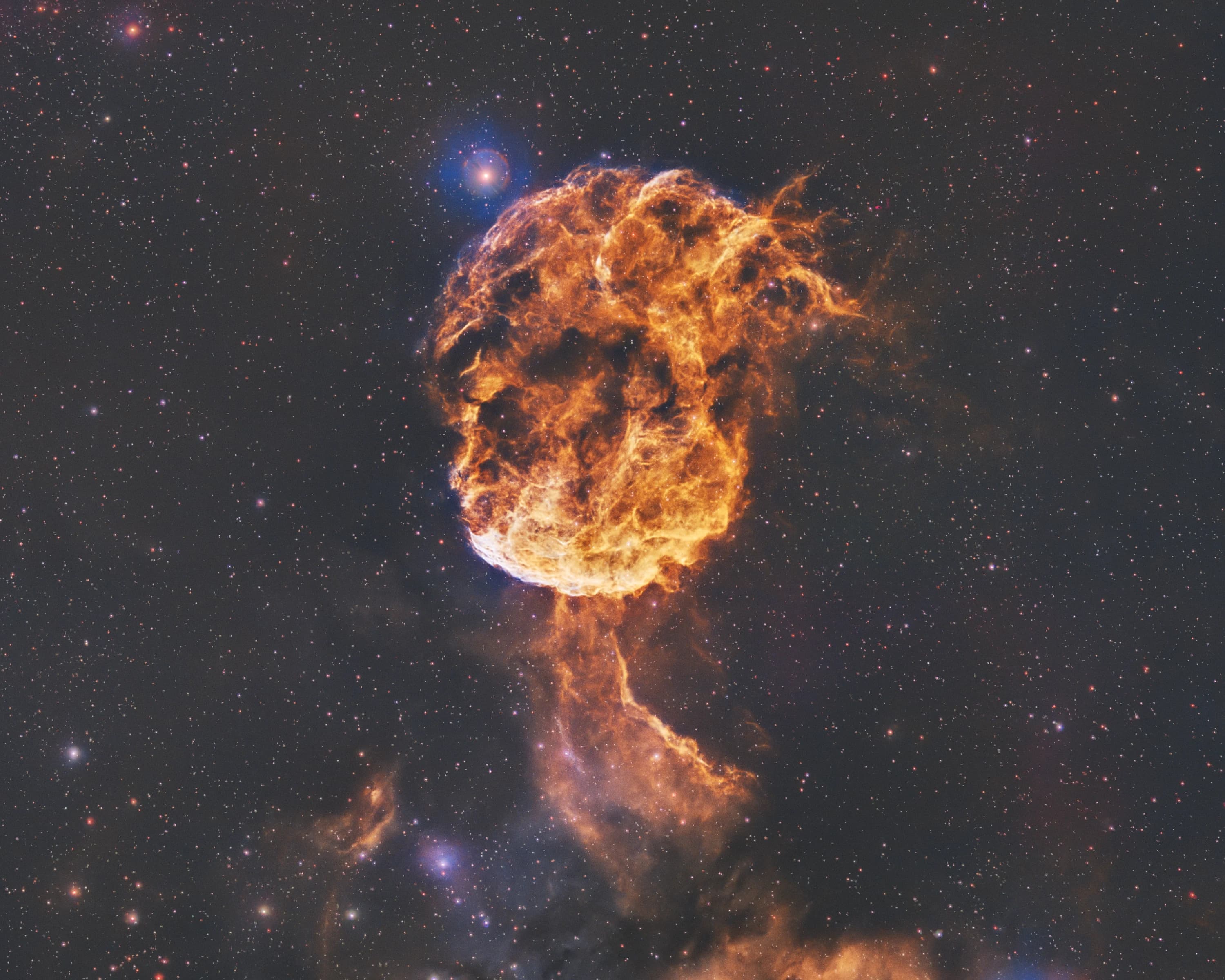
We settled on SHO Gold, with its warm amber shell and blue accents, and Foraxx, which brings out more cyan through a different channel mix. Both use the same data and synthetic luminance.
For anyone interested in the exact mixing, these are the PixelMath expressions used in the session:
// Baseline sky offset equalisation (b = 0.10)
H = b + 1.69*(Ha - b)
O = b + 2.18*(OIII - b)
S = b + 1.00*(SII - b)

// Custom SHO Gold Mapping
R = b + 0.65*(H - b) + 0.55*(S - b)
G = b + 0.35*(H - b) + 0.35*(S - b) + 0.40*(O - b)
B = b + 0.90*(O - b) + 0.05*(H - b)

// Foraxx Dynamic Palette Mapping
R = O^(1-O)*S + (1 - O^(1-O))*H
G = (O*H)^(1-O*H)*H + (1 - (O*H)^(1-O*H))*O
B = O
For me, the choice was about making the shell's structure clear without trying to force colour out of noisy data.
The Cleanup I Would Normally Avoid
Most of my processing fatigue comes near the end: stubborn halos, troublesome star shapes and masks that never quite isolate the intended area. That's where the agent spent much of its effort.
Cropping the Distorted Stars
StarXTerminator couldn't cleanly separate all the distorted corner stars. We considered a tighter crop or a wider frame with localised repairs to the remaining star layer.
I chose the wider frame, though it still retained just 42% of the original area. We repaired some of the remaining comet-shaped stars locally.
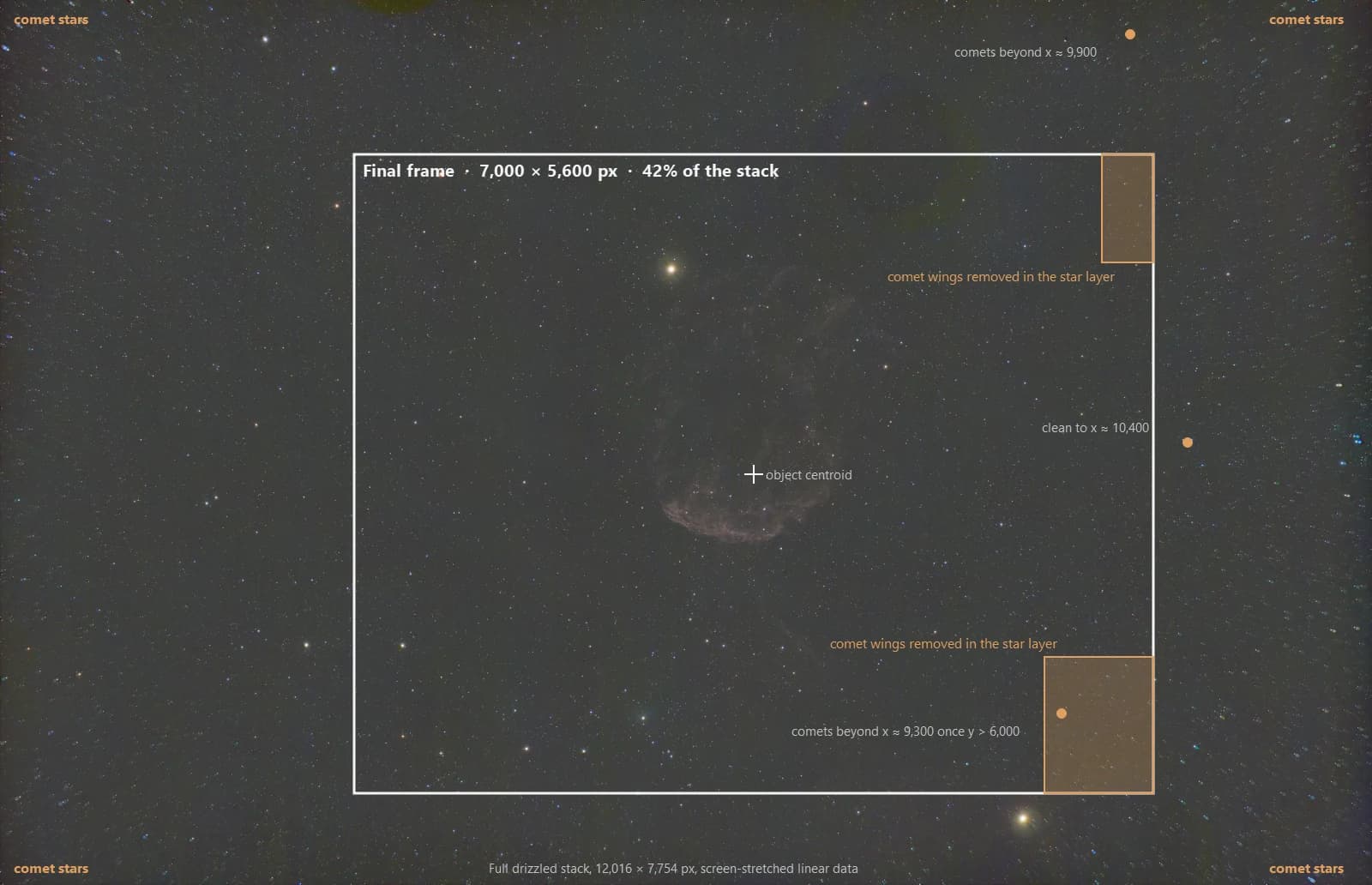
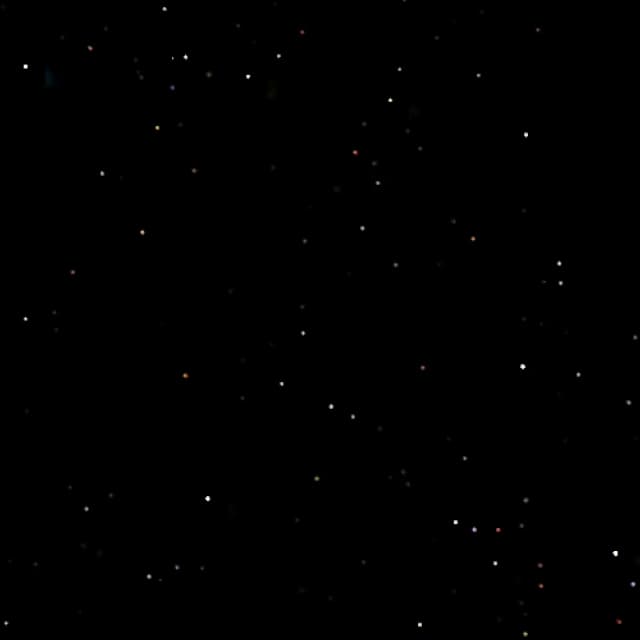
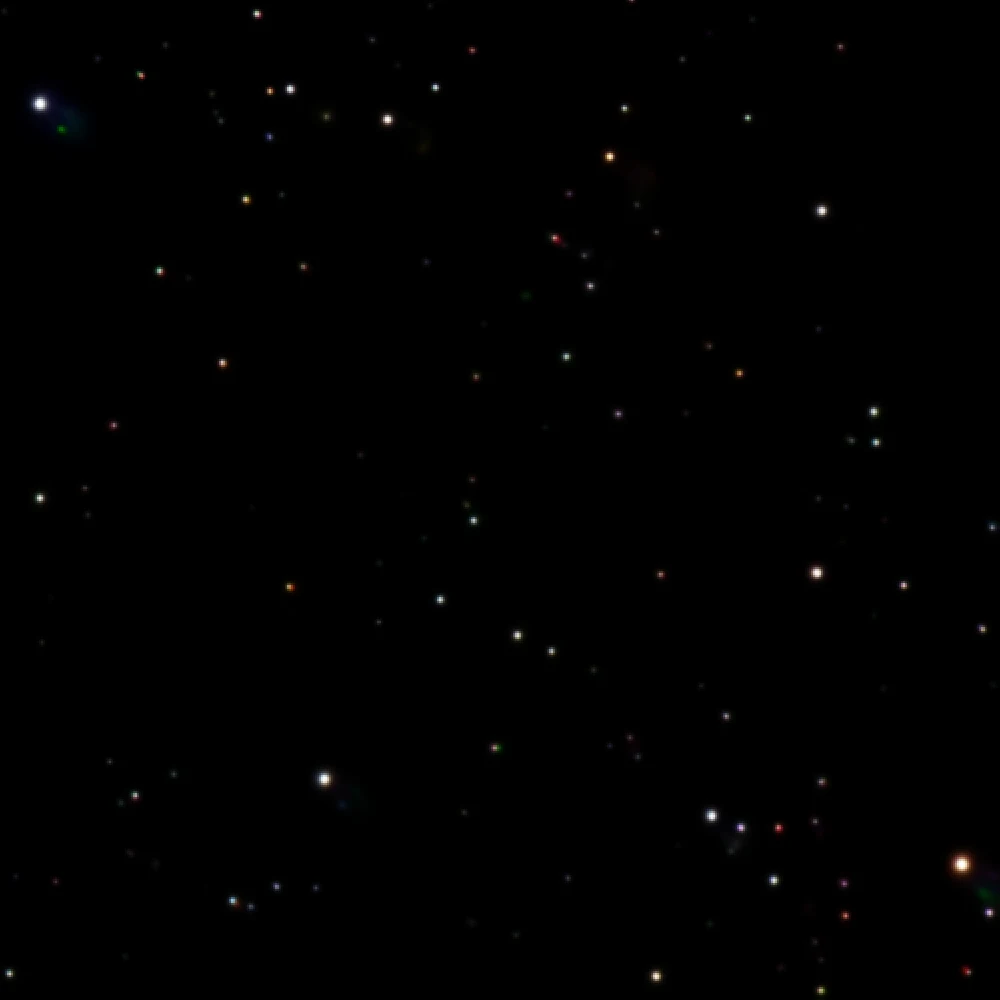
The underlying optical problem remained. Processing could only help salvage the composition.
The Propus Halo and Noisy Dark Lanes
After star separation, Propus left a bluish ring. Claude used a localised correction based on surrounding sky samples to soften it.
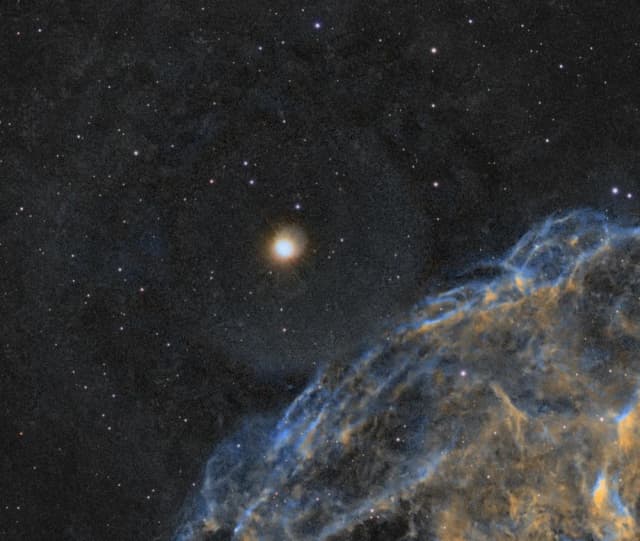
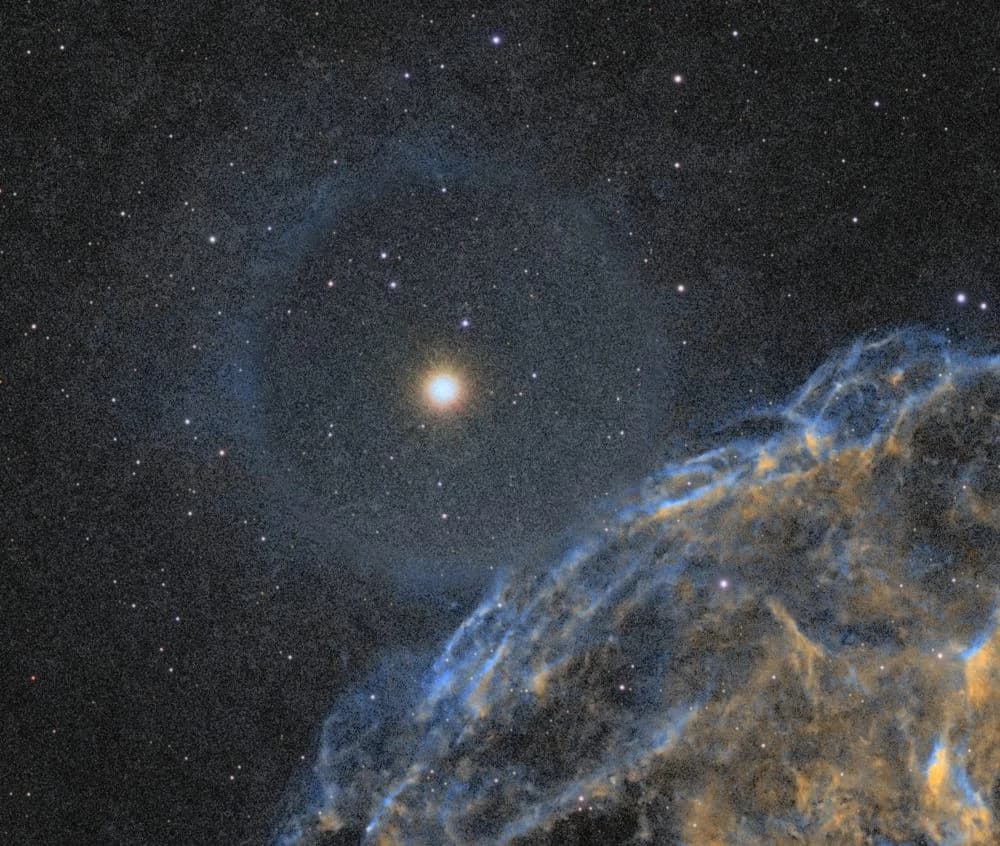
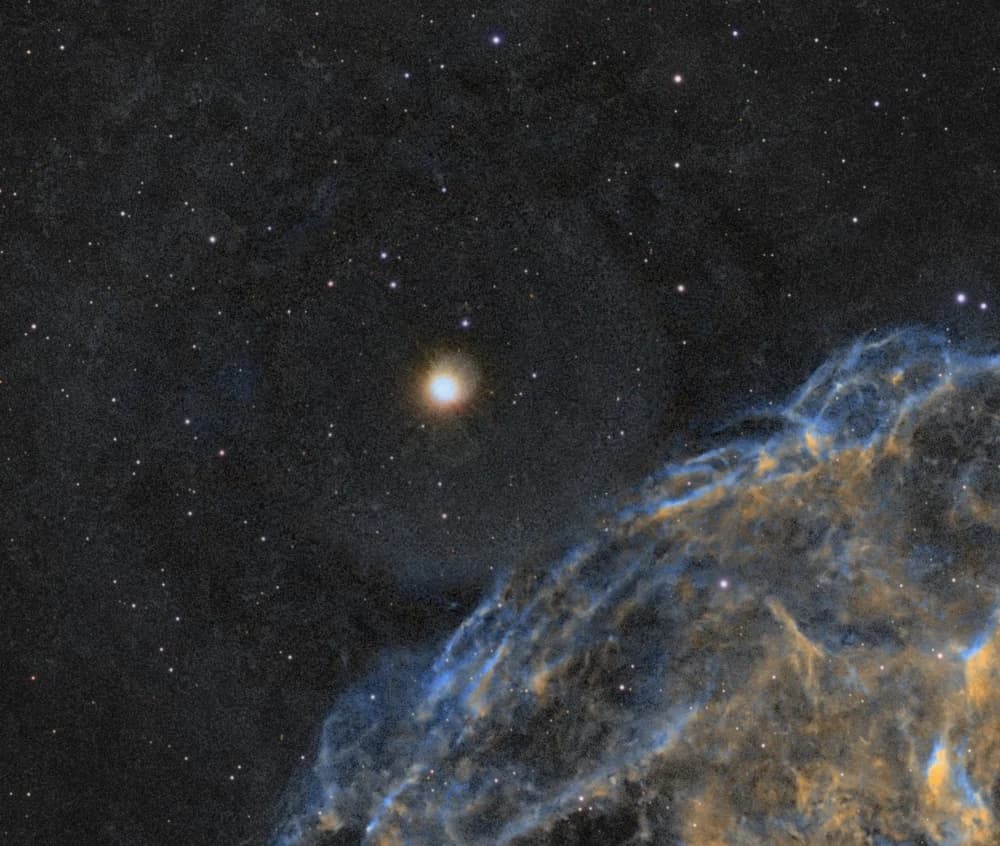
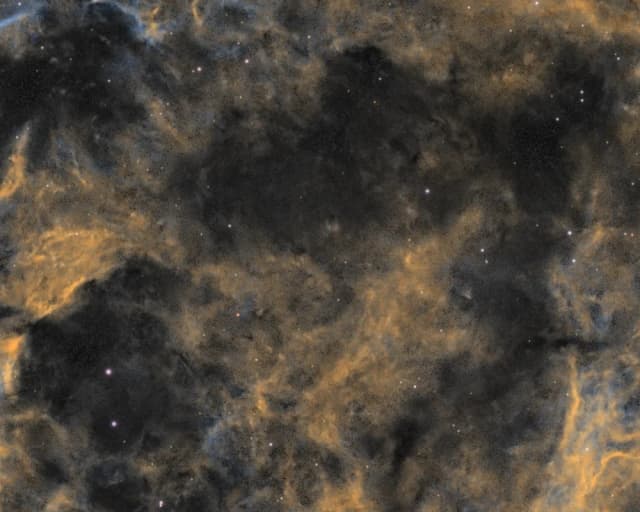
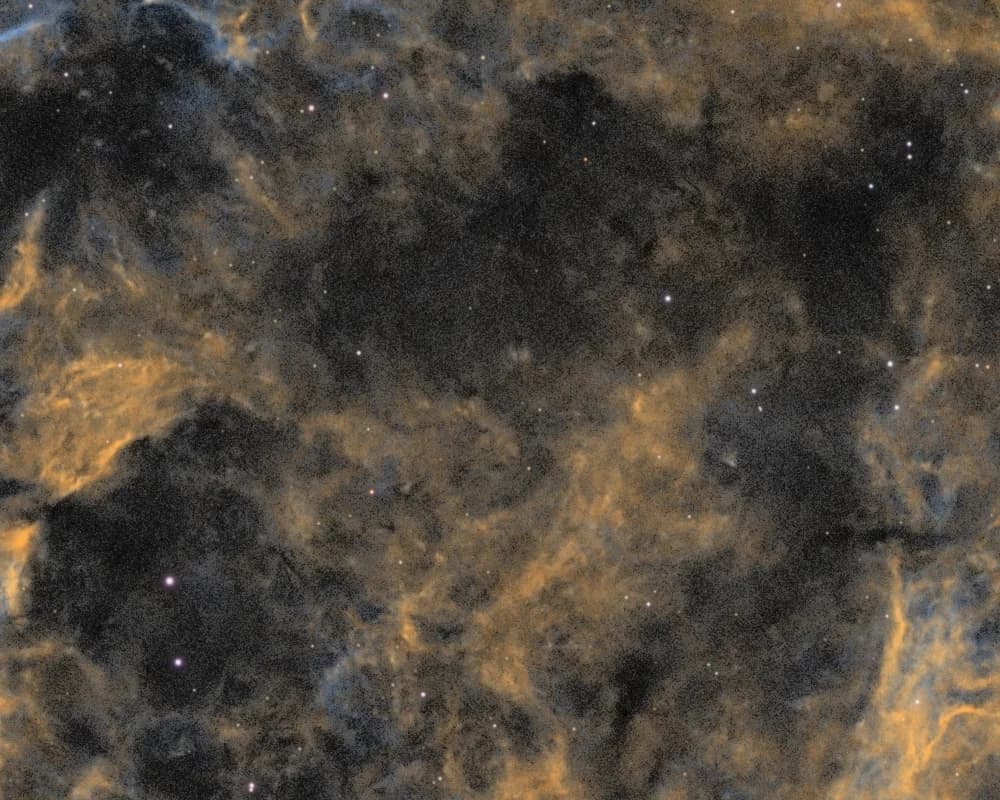
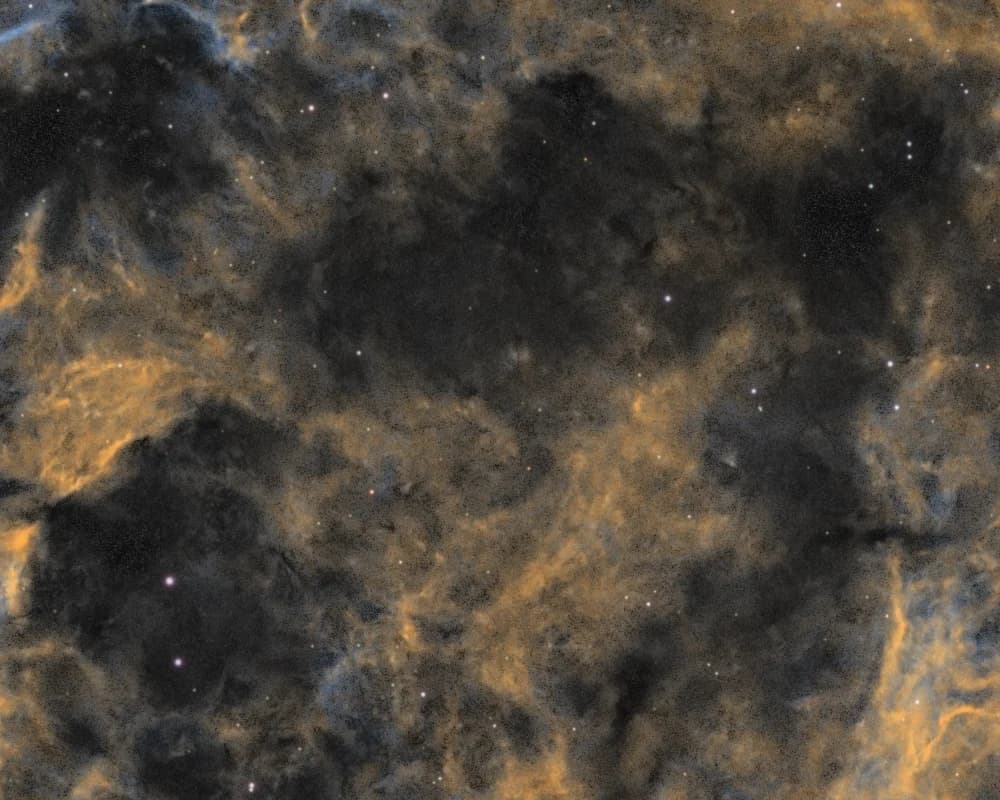
The dark lanes were trickier. I'd stretched them to show the structure, but the noise was distracting. I asked Claude to tame it gently, without flattening the lanes.
I like the wide versions. Let’s use the SHO Gold wide and Foraxx wide versions. The darker dust lanes are stretched a bit too much, so the noise in them is becoming visible. I want to tame that just a bit, not too much.
16:56I’m looking at 1:1 crops of the dark lanes inside the shell to see how much noise is showing before I change anything.
16:57I’m building a mask that picks out only the dark lanes inside the shell. Then I’ll test a gentle denoise and a slight darkening on clones before touching anything else.
16:59In the masked shell lanes, noise is about halved and the lanes are 6% darker. The sky is unchanged. Next I’m looking at it.
17:07While you are at it, we can do the dark shell taming just a tad more. I also see some wormy textures.
17:17Excerpt from session logs.
The lanes had roughly the same brightness noise as the sky, but around seven times the colour noise. Our palette mask was preserving colour where there wasn't much useful signal.
It took six mask attempts to isolate the lanes without also selecting the outer sky or faint tail.
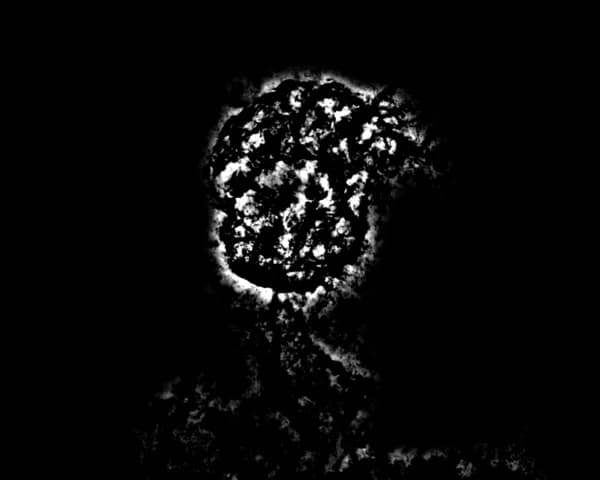
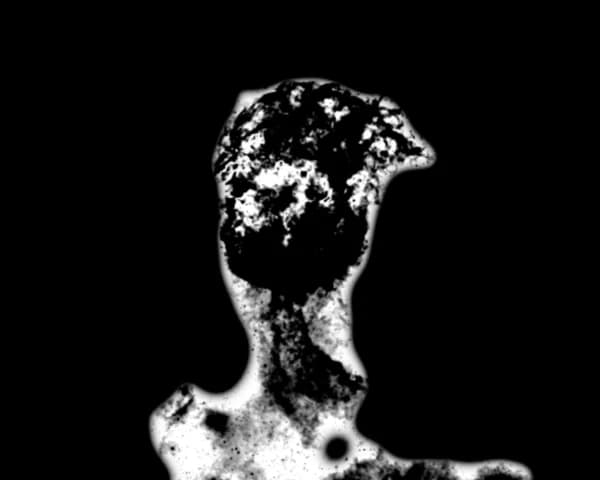
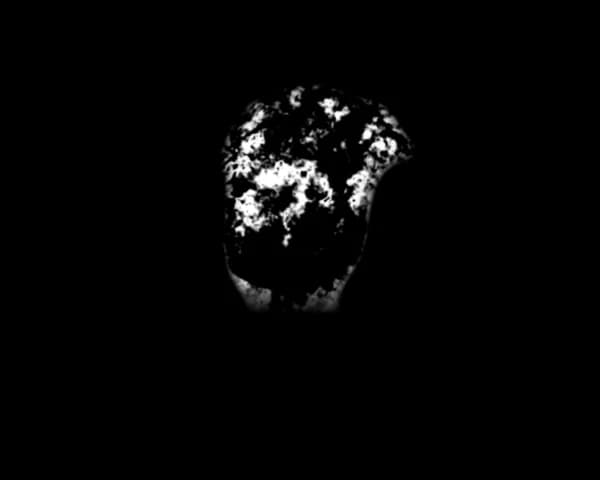
One pass reduced measured noise by 36% but made almost no visible difference: the mask was too patchy. Claude undid it. A good metric didn't guarantee a good-looking result.
- #42517:03:18ok
run_pjsr (async: first lane pass through mask v3, NXT 0.5 blended 70%, darkening 12%)
job-11 started; done in 14 s with the sky level unchanged
- #43117:03:56ok
run_pjsr (masked-pixel noise, before and after)
Noise 0.0398 → 0.0254 (−36%)
- #43317:04:12rejected
save_preview (1:1 crop of the same lanes after the pass)
Barely visible: the mask covers each lane only in patches
- #43517:05:14undone
run_pjsr (undo, then compare with the source)
Maximum difference 0: exactly restored
The final mask let us reduce colour noise and gently darken the lanes without noticeably changing the rest of the field.
Cleaning Up the Star-Layer Streaks
Boosting the star layer exposed thin, worm-like streaks near the edges. Claude wrote a morphological cleanup script to suppress them before recombining the stars.
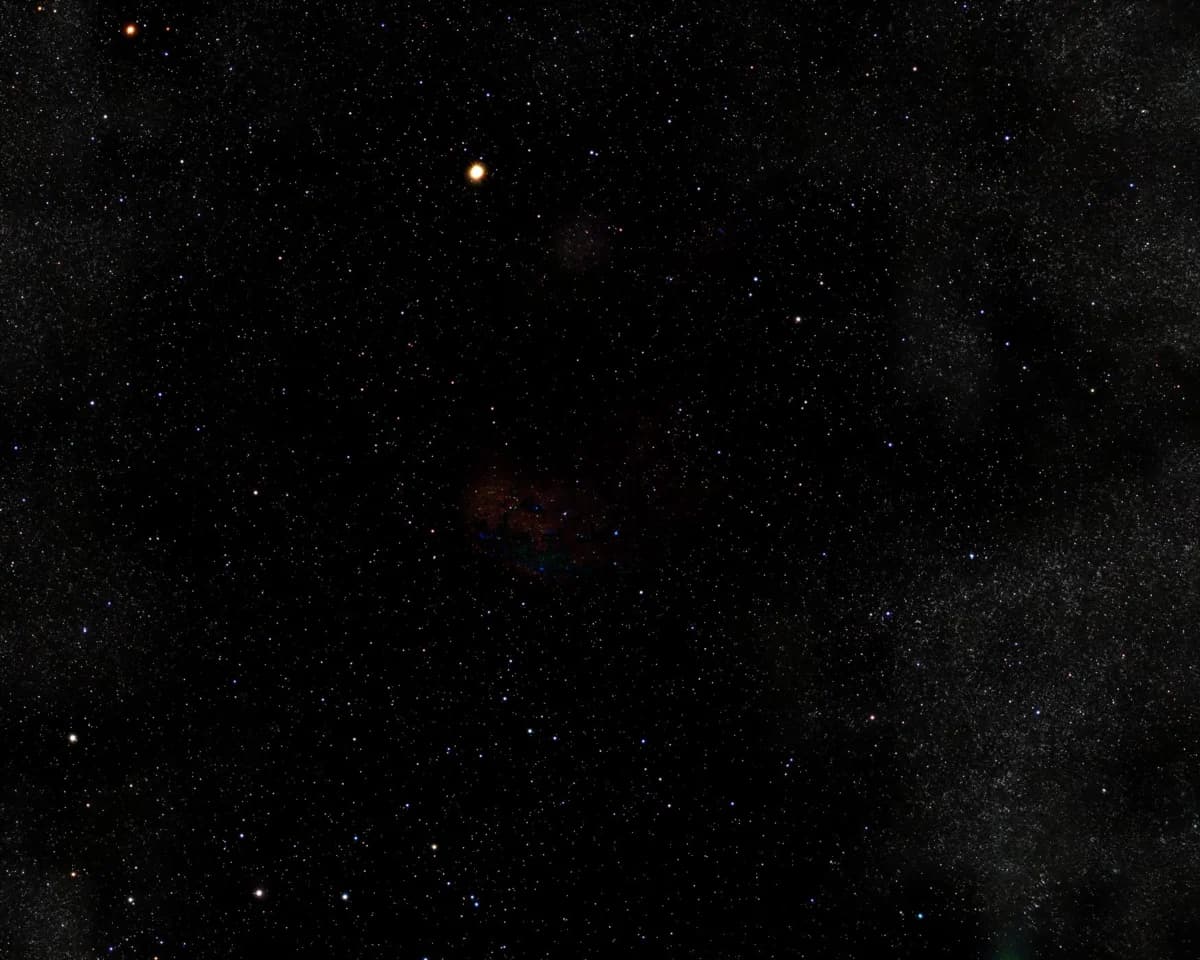
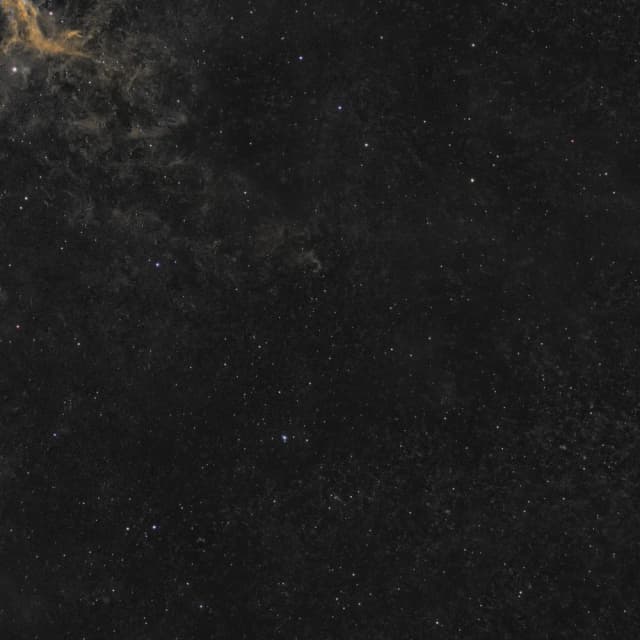
I'd usually have stopped long before this. Here, we could keep testing without me having to build every mask or script.
The Two Finished Images
I kept both SHO Gold and Foraxx in the wider framing. They show different colour interpretations of the same IC 443 data, with the same limitations from the original optics and crop.
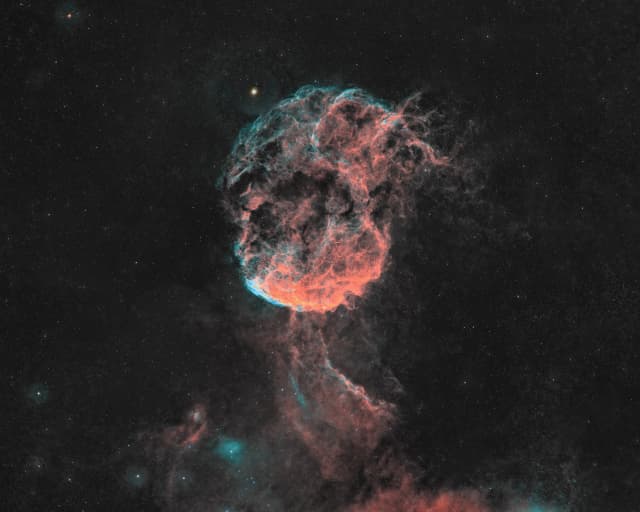
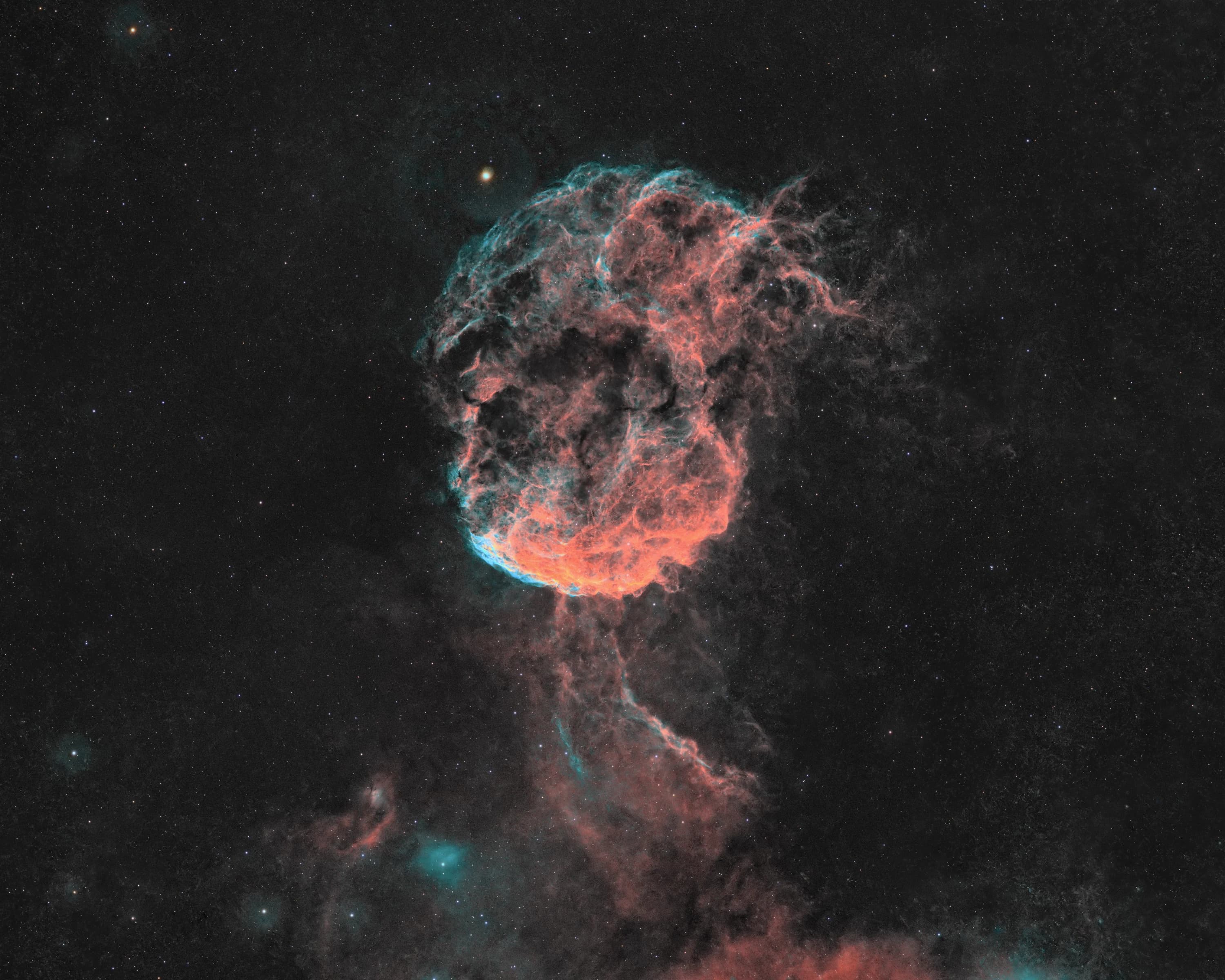
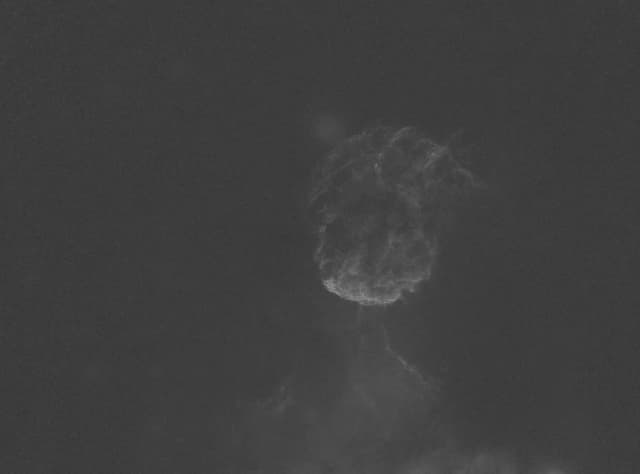
The comparison with my earlier manual edit isn't a controlled test, because my processing choices differ, but I reprojected that edit into the same frame so the two line up. It does show what the extra attention to cleanup achieved.
What Happened During the Session
Across 3 hours and 15 minutes, the log recorded 651 tool calls, including 103 script invocations and 113 test previews. About 55 minutes were active PixInsight compute time. There were 18 rejected results, 15 history rollbacks and nine false alarms that were investigated rather than treated as real failures.
My 15 interventions covered both technique and taste, from luminance weighting to framing and colour. I've kept the full record below for anyone who wants to explore the processing in detail.
- 14:37Intake
Agent askedThere is no L master. How should luminance be handled?
My answer
Can we take HSO all for luminance?
- 14:37Intake
Agent askedRGB filter brand, narrowband bandwidth and pixel scale?
My answerOptolong 3nm (clarified next); 3 nm; 1.176″/px
- 14:38Intake
Agent askedHow should Hα, OIII and SII be combined? Confirm Optolong RGB with 3 nm narrowband
My answerNoise-weighted; yes, that is right
- 14:41Linear flow
Agent askedScreen-stretch target and NoiseXTerminator strength? Fallback if SII gradient correction fails?
My answerDefaults; skip gradient correction on SII
- 15:00Luminance
Agent askedNoise-weighted, flux average or Hα alone?
My answerNoise-weighted HOS
- 15:15Finish
Agent askedTake luminance from the HOS L? Neutralise artefact colour?
My answerCrop the backfocus stars if needed, then use the HOS L; neutralise colour
- 15:31Colour
Agent askedNarrowband-enhanced natural, strong RGB saturation, or near-monochrome?
My answerNarrowband-enhanced natural
- 15:54Colour
I asked
we need some more vivid colors, like SHO?
- 15:54Background
I asked
Run GraXpert on the narrowband data first? (The agent checked: the backgrounds were flat, so it was not needed.)
- 16:01Palettes
Agent askedWhich palettes should be finished? Rotate to match the earlier edit?
My answerGold blend and Foraxx; keep the orientation
- 16:13Framing
I asked
A tighter, brighter crop like my earlier image, then the same for Foraxx
- 16:32Framing
I asked
Less tight and centred; remove only the backfocus comet stars
- 16:36Framing
Agent askedBell-centred or object-centred? Which palettes?
My answerBoth framings, both palettes
- 16:56Finish
I asked
Carry the two wide frames forward; tame the dark lanes just a bit
- 17:16Refinements
Agent askedSurvey: two clean-ups recommended, one optional, three things to skip
My answerBoth clean-ups; a tad more on the lanes; the worms; tail contrast is fine
- 114:22–14:23Preflight & Setup · 4 calls
- 214:33–14:38Data Intake · 7 calls
- 314:41–15:09Linear Flow & HOS L · 105 calls
- 415:12–15:45Comet Mapping & MGC · 103 calls
- 515:54–16:12Palette Assembly · 68 calls
- 616:13–16:28Framing & Halo Repair · 52 calls
- 716:32–16:48Corner Star Fixes · 69 calls
- 816:56–17:09Dark Lane Denoise · 57 calls
- 917:12–17:15Full Field Survey · 10 calls
- 1017:18–17:39Streak & Edge Cleanup · 176 calls
- 14:37My decision: Chose HOS for Luminance
- 14:37My decision: Confirmed Filters and Scale
- 14:38My decision: Noise-Weighted Blend
- 14:41My decision: Defaults; Skip MGC on SII
- 14:45False alarm: Watcher Lost (False Alarm)
- 14:47False alarm: Watcher Lost (False Alarm)
- 14:54False alarm: Watcher Lost (False Alarm)
- 15:00My decision: Confirmed Noise-Weighted L
- 15:15My decision: Crop the Comet Stars
- 15:31My decision: Narrowband-Enhanced Natural
- 15:54My decision: Asked for Vivid SHO
- 15:54My decision: Offered GraXpert
- 16:01My decision: Picked SHO Gold and Foraxx
- 16:02False alarm: Watcher Lost (False Alarm)
- 16:03False alarm: Watcher Lost (False Alarm)
- 16:05False alarm: Watcher Lost (False Alarm)
- 16:13My decision: Tighter, Brighter Crop
- 16:14False alarm: Watcher Lost (False Alarm)
- 16:32My decision: Centred, Less Tight
- 16:36My decision: Both Framings, Both Palettes
- 16:40False alarm: Watcher Lost (False Alarm)
- 16:56My decision: Tame the Dark Lanes
- 17:16My decision: Clean-Ups, a Tad More, Worms
- 17:37False alarm: Job Reported Failed (False Alarm)
The log loads as you scroll here
- Integration
- 31.8 Hours (400 subframes)
- Ha
- 97 × 300s
- OIII
- 131 × 300s
- SII
- 142 × 300s
- RGB
- 10 × 120s / channel
- Dates
- Jan 25 to Feb 6, 2026
- Telescope
- William Optics 71GT APO (0.8x)
- Camera
- ZWO ASI2600MM Pro
- Mount
- iOptron CEM40
- Guiding
- WO 50mm + ASI120MM
- Filters
- Optolong 3nm narrowband / LRGB
- Processing
- PixInsight 1.9.5 + Claude Opus 5.5
- Processing Time
- 3h 15m (55m PixInsight compute)
- Location
- Bhagalpur, India (Bortle 8)
What I Learned
The most valuable part of this session was how much I learned while trying to understand what Claude was doing. I don't write PixInsight scripts. I rely on plugins and existing tools, and building a process from scratch isn't something I'd normally attempt. But I can learn why a calibration step failed, why a noise measurement doesn't tell the whole story, or what makes one mask better than another. This experiment pushed me into parts of processing I'd previously avoided.
The learning curve was steeper than I expected. Vibe coding can sound like you describe what you want and accept whatever the agent produces. I found that the results improved as I understood the workflow better, asked more specific questions and checked the answers. The agent handled the scripts and repeated tests; I still had to make sense of the decisions.
Its persistence made a difference, too. I would normally leave a troublesome halo, noisy patch or awkward star layer alone after a few failed attempts. Claude kept working through possible fixes, checking results, undoing what didn't work and trying again. I could stay involved without having to carry out every step myself.
I'm now looking at other parts of my astrophotography process with the same curiosity. Which workflows could be improved? Where could an agent help with data checks, processing decisions or planning the next imaging session? I want to understand those workflows better, work out where this approach makes sense and keep learning as I experiment.